Cookie Settings

Keep you signed in with Discord (fsg_auth_session), keep your visit's session and protect forms against forgery (PHPSESSID), and remember this cookie choice (fsg_cookie_consent). These are set by FarmSimGame.com only and are not used for tracking.

Plays YouTube videos embedded in docs, mod pages and guides. Until this is on, those videos show a placeholder with a link to watch on YouTube instead.

Provider and cookie details
Provider: Google (YouTube) - youtube-nocookie.com, youtube.com, ytimg.com, googlevideo.com
Storage: Set by YouTube on its own domains, not by FarmSimGame.com.

Google Analytics counts visits and the pages people use so we can see which parts of the site are used. Google Signals and ad personalization are turned off.

Provider and cookie details
Provider: Google (Google Analytics 4) - googletagmanager.com, google-analytics.com
Storage: Cookies _ga and _ga_CB76B6R841 on this website, up to 2 years (some browsers shorten this).

Google AdSense shows ads to visitors who are not supporters, which helps pay for the site. Google may use cookies and your device information to personalize ads and measure them. Supporters never see these ads.

Provider and cookie details
Provider: Google (AdSense) - googlesyndication.com, doubleclick.net, google.com, adtrafficquality.google, fundingchoicesmessages.google.com
Storage: Cookies FCCDCF (13 months) and FCNEC (1 year) and local storage google_ama_config on this website, plus Google cookies on its own domains.

You haven't made a choice yet, so all optional categories are off. See the Cookie Policy for the full list.

Farming Simulator mods

ModBarn

Help improve the ModBarn and get the latest notifications in our ModBarn Discord. Meet the modders, or make mods yourself: become a ModBarn modder.

Avatar Switcher

Avatar Switcher
Mod NameAvatar Switcher
Game Farming Simulator 25
ManufacturerNone
CategoryGameplay
AuthorSimGamerJen
Size76 KB
Version1.0.0.0
Release Date07.09.2026
PlatformPC/MAC
Views 2
Downloads 0
ModBarn 0 (0)
ModHub 4.8 (4)

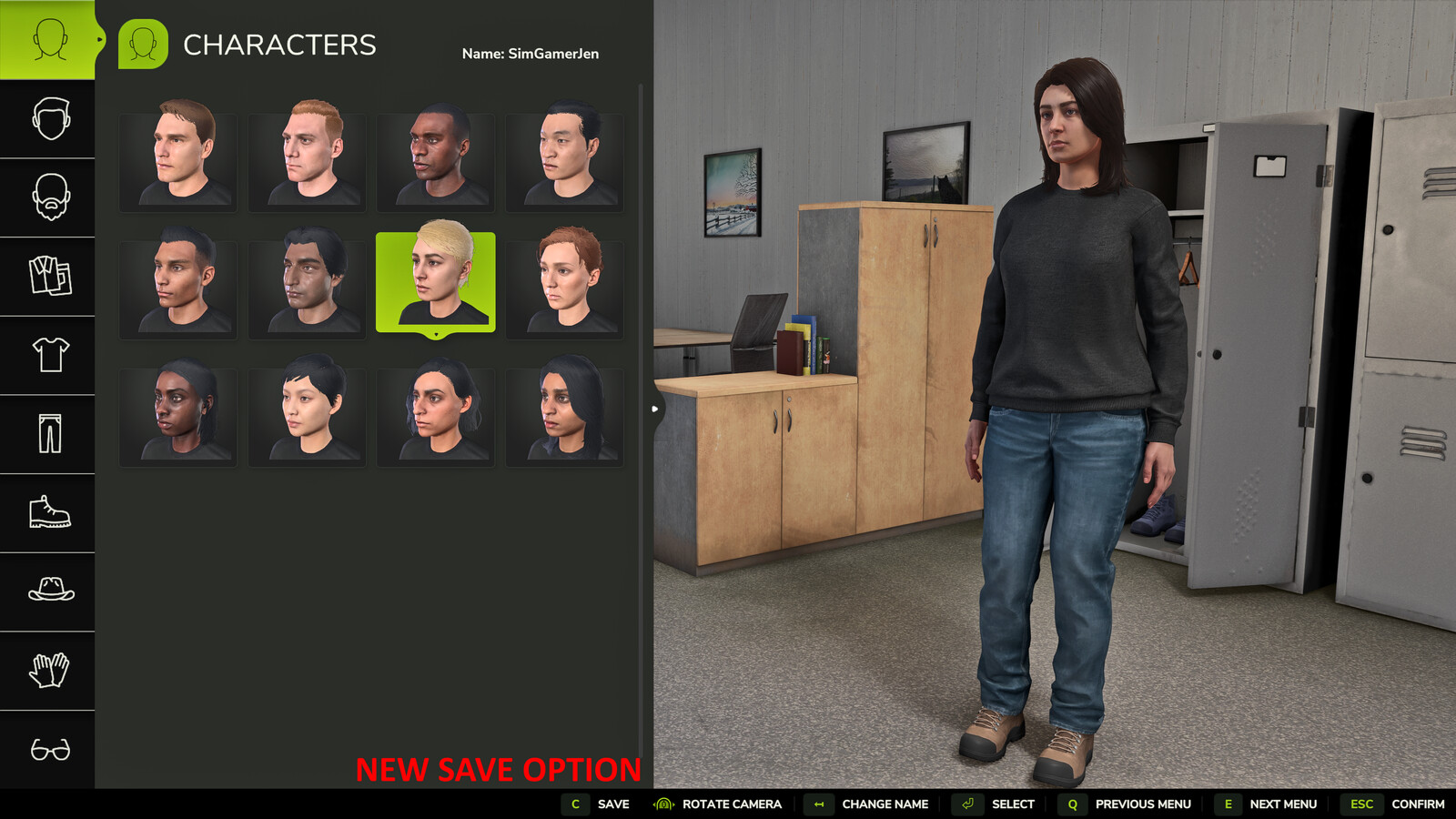
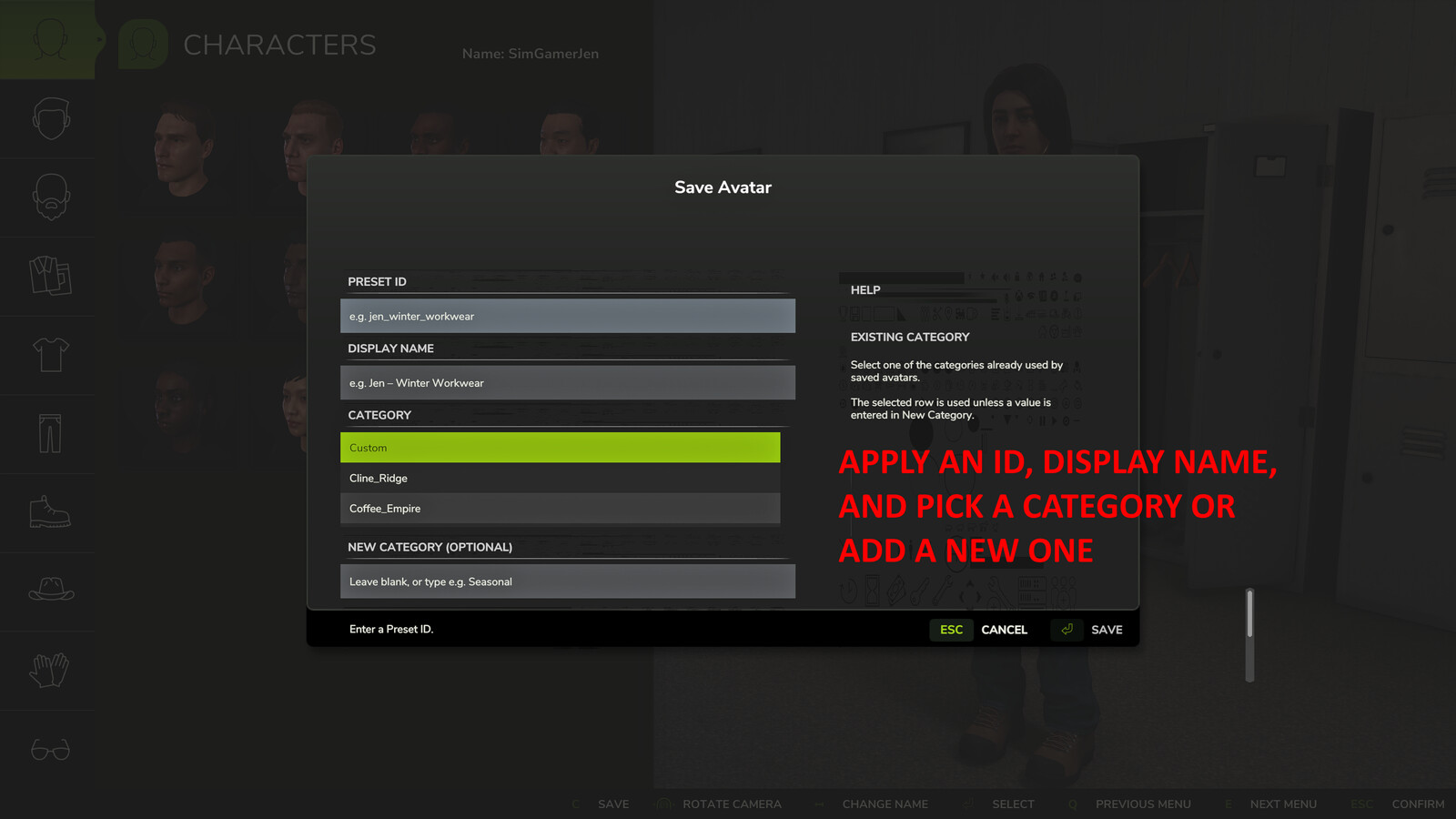
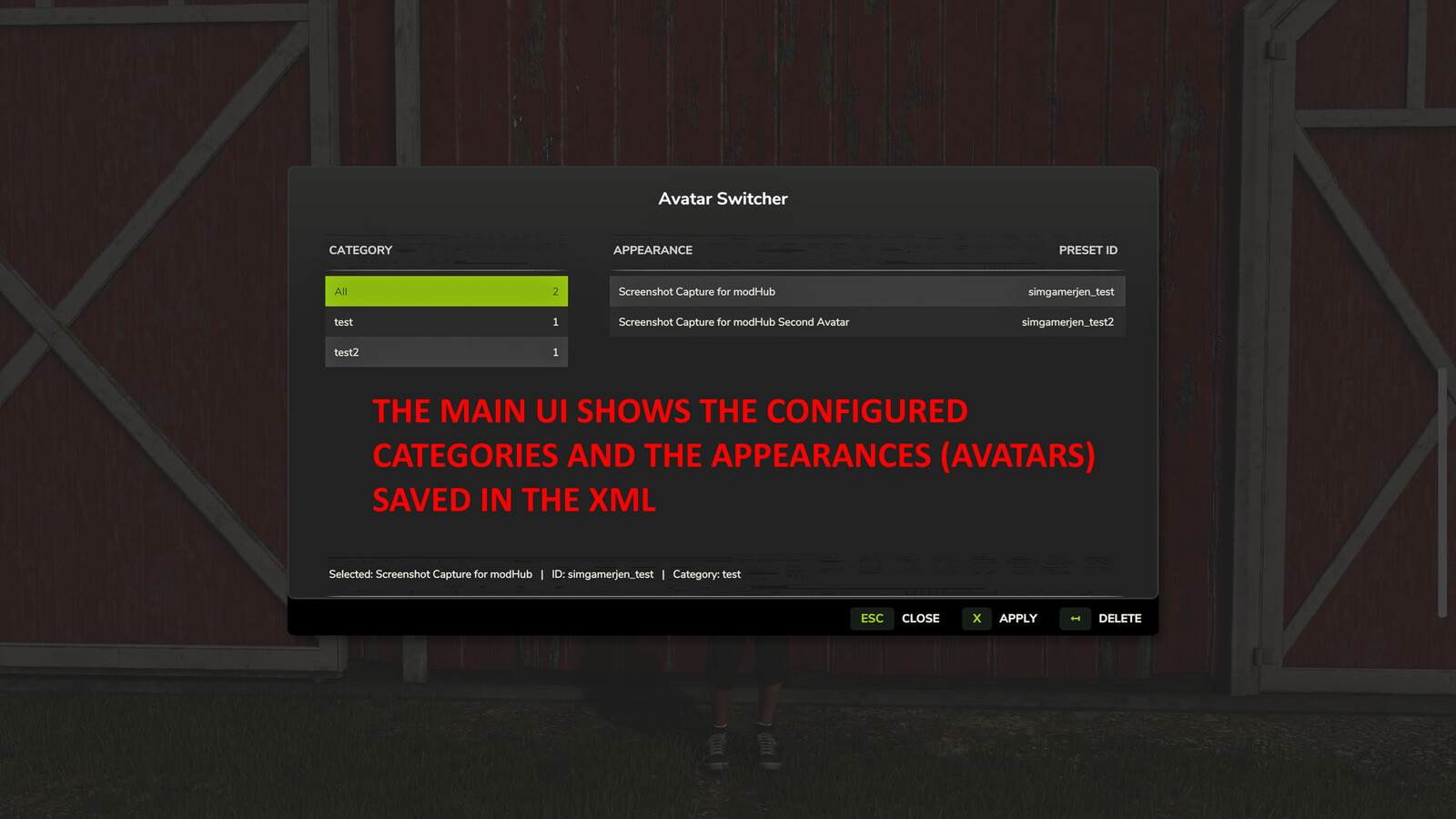
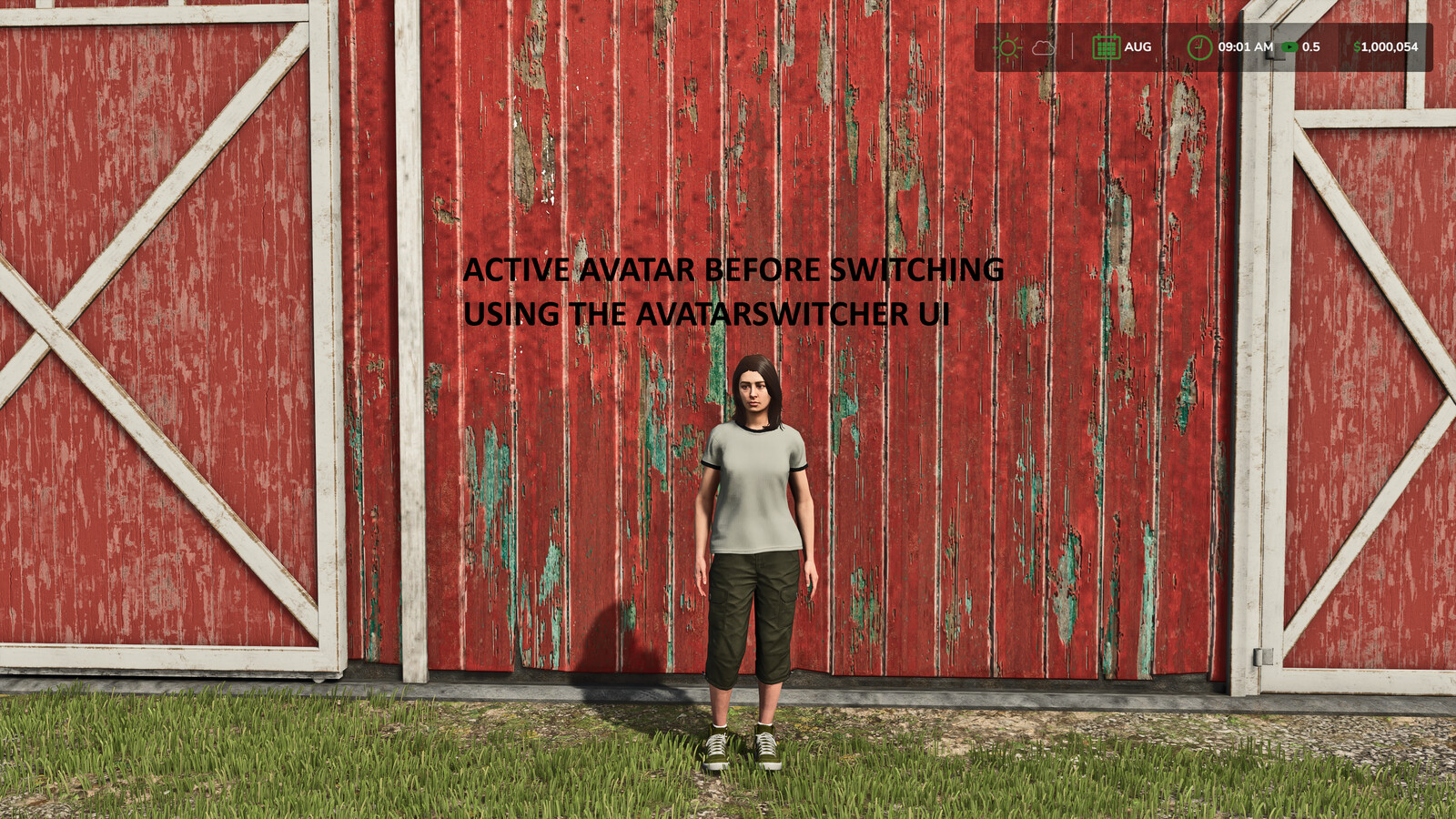
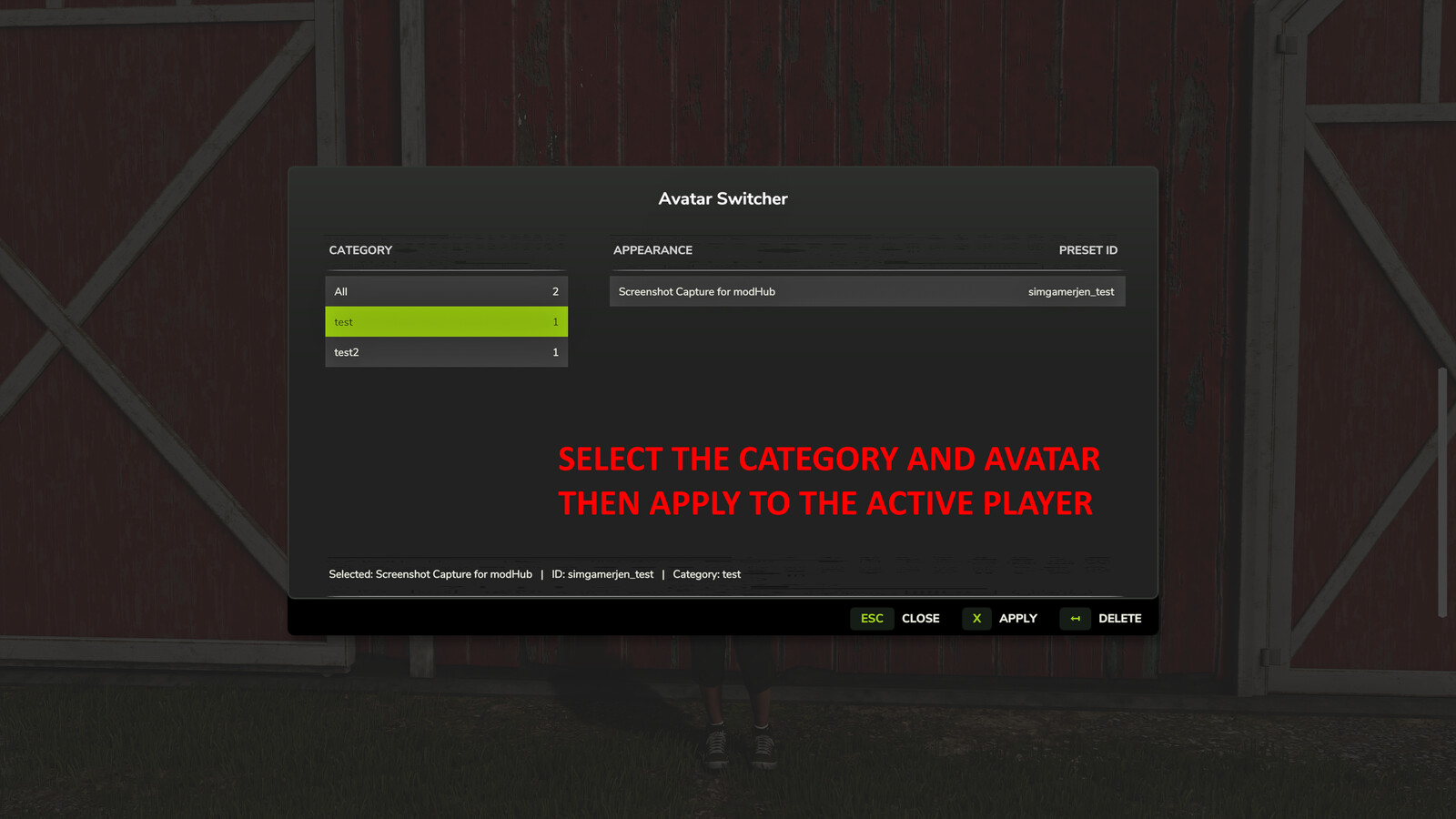
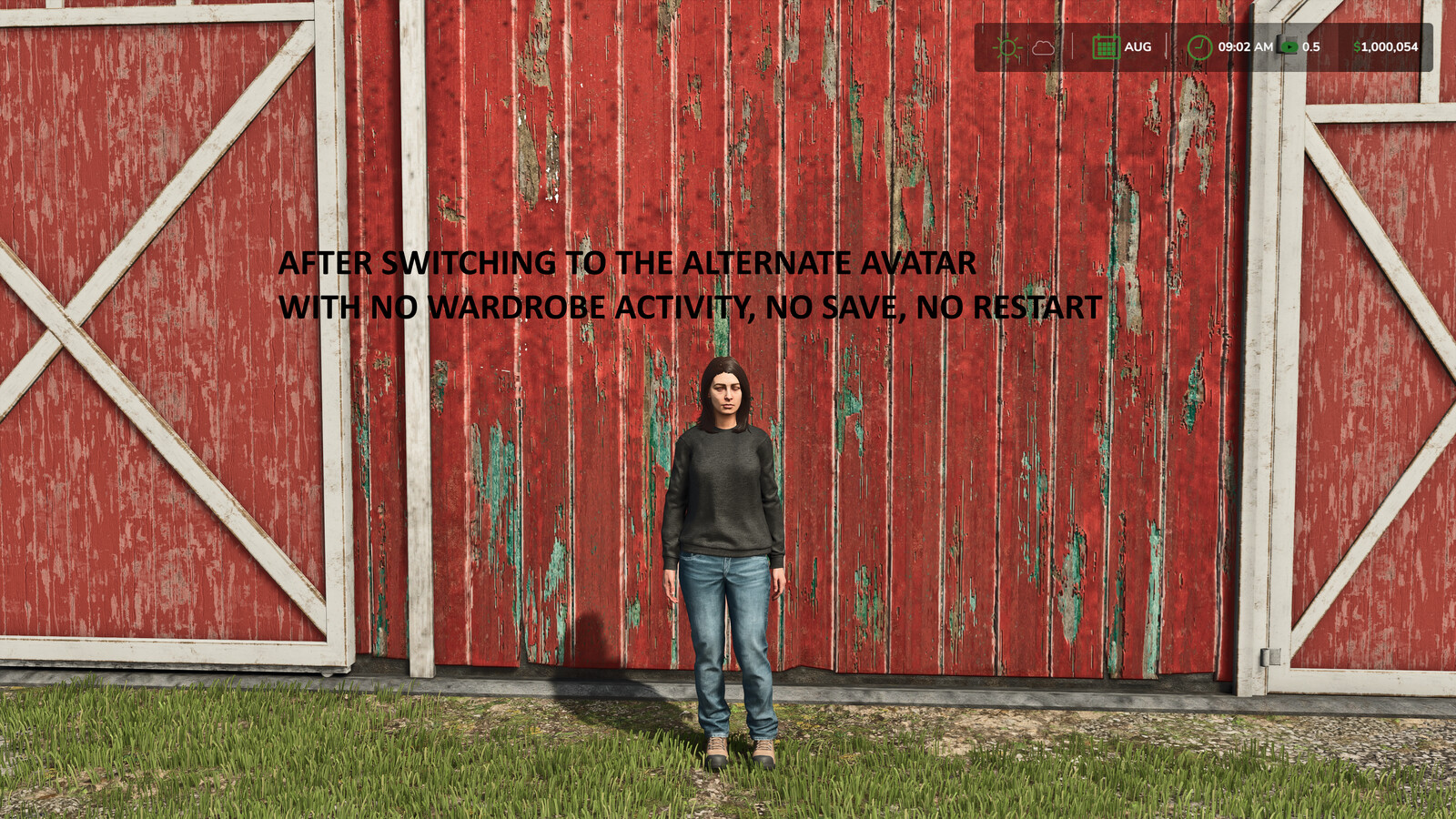
Save the current player appearance as a reusable preset and switch between saved avatars from an in-game menu. Features: - Save the current wardrobe appearance as a preset - Give each preset a unique ID, display name and category - Select an existing category or create a new category when saving - Contextual help explains the Preset ID, Display Name and Category fields - Filter, apply and delete saved appearances from the Avatar Switcher menu - Open the selector while on foot or inside a vehicle - Store presets in the Avatar Switcher mod settings folder Default control: Alt+Shift+A opens Avatar Switcher. The key binding can be changed in the in-game controls menu. How to use: 1. Open the wardrobe and configure the player appearance. 2. Select "Save to AvatarSwitcher". 3. Enter a unique Preset ID and an optional Display Name. 4. Select an existing category or enter a new category, then select Save. 5. Press Alt+Shift+A to open Avatar Switcher. 6. Select a category and appearance, then select Apply. Deleting a preset does not change the appearance currently being used. This mod is designed for single-player use and does not support multiplayer.

More from SimGamerJen

Suggested Mods

Dynamic Dealership
Dynamic Dealership
ModBarn 0 (0)
ModHub 3.5 (39)
Park Vehicle
Park Vehicle
ModBarn 0 (0)
ModHub 4.7 (465)

Ratings & Reviews

0

0 reviews
5 stars
4 stars
3 stars
2 stars
1 stars

Login above to Rate & Review this. Let us know what you think!
No Ratings & Reviews Yet. Be the first to leave a Rating & Review!