FilterYears: Vintage Progression
| Mod Name | FilterYears: Vintage Progression |
| Game | Farming Simulator 25 |
| Manufacturer | None |
| Category | Gameplay |
| Author | TommyNookah |
| Size | 0.11 MB |
| Version | 1.1.1.0 |
| Release Date | 15.04.2026 |
| Platform | PC/MAC |
Views 4
Downloads 0
ModBarn 0 (0)
ModHub 2.3 (71)
Take your farm through the ages with a dynamic machinery filter that enables historical and vintage progression.
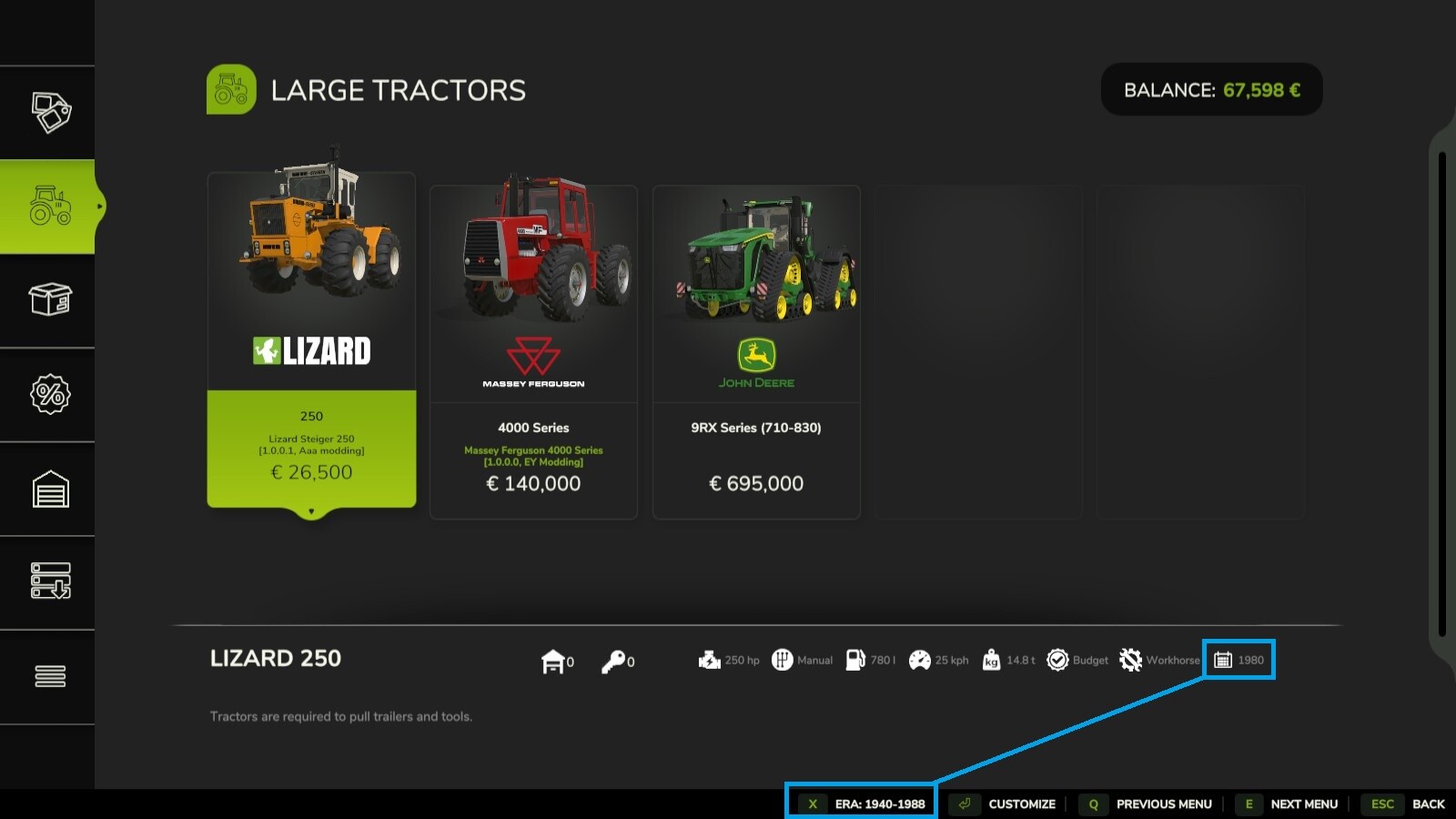
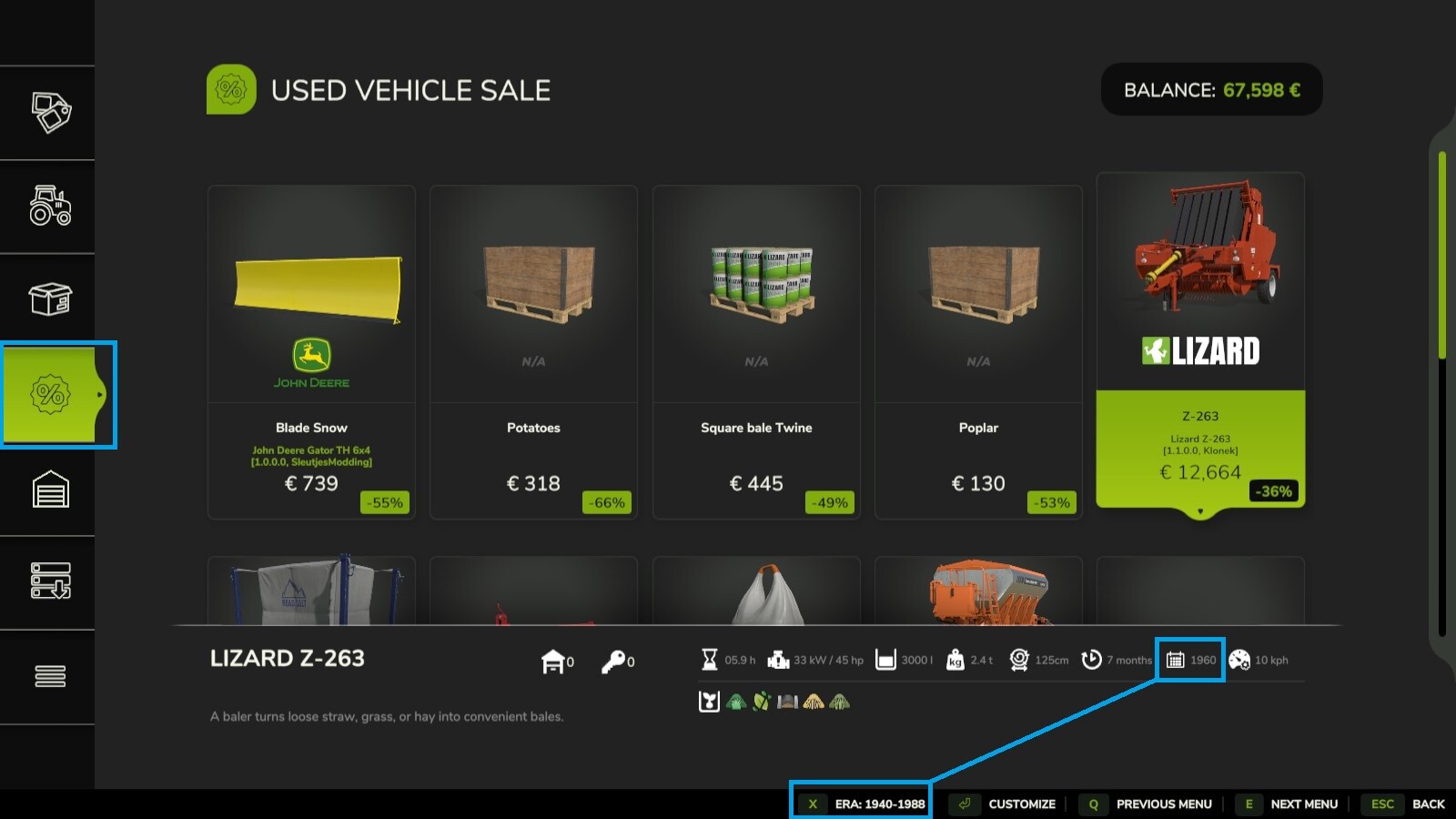
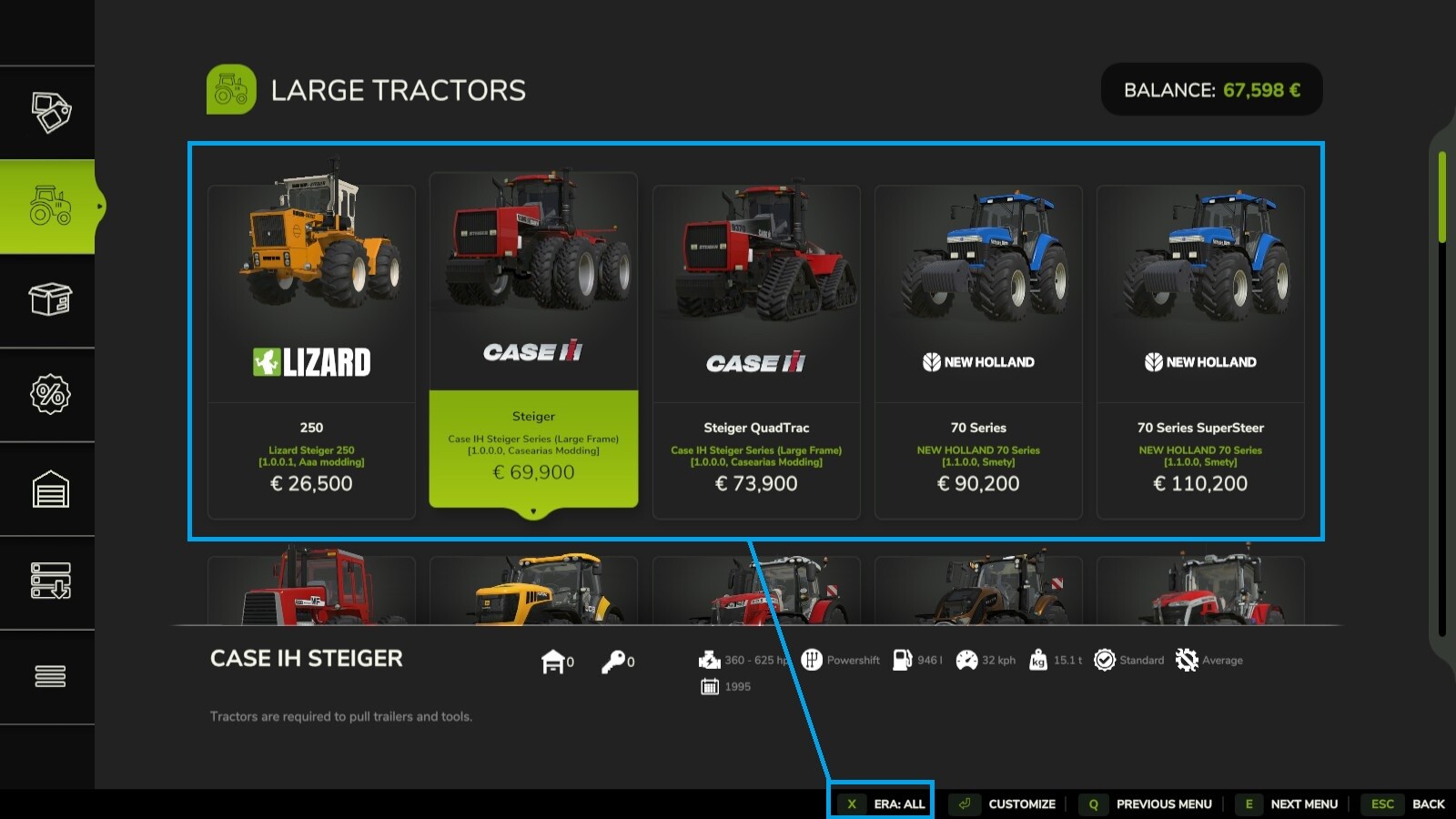
FilterYears restricts the Shop, Used Equipment, and Contract markets to a specific era, which automatically progresses as your farm grows older. Start with the basics and unlock newer, more powerful technology with every passing in-game year.
Dependencies: FS25_Vehicle_Years
Features:
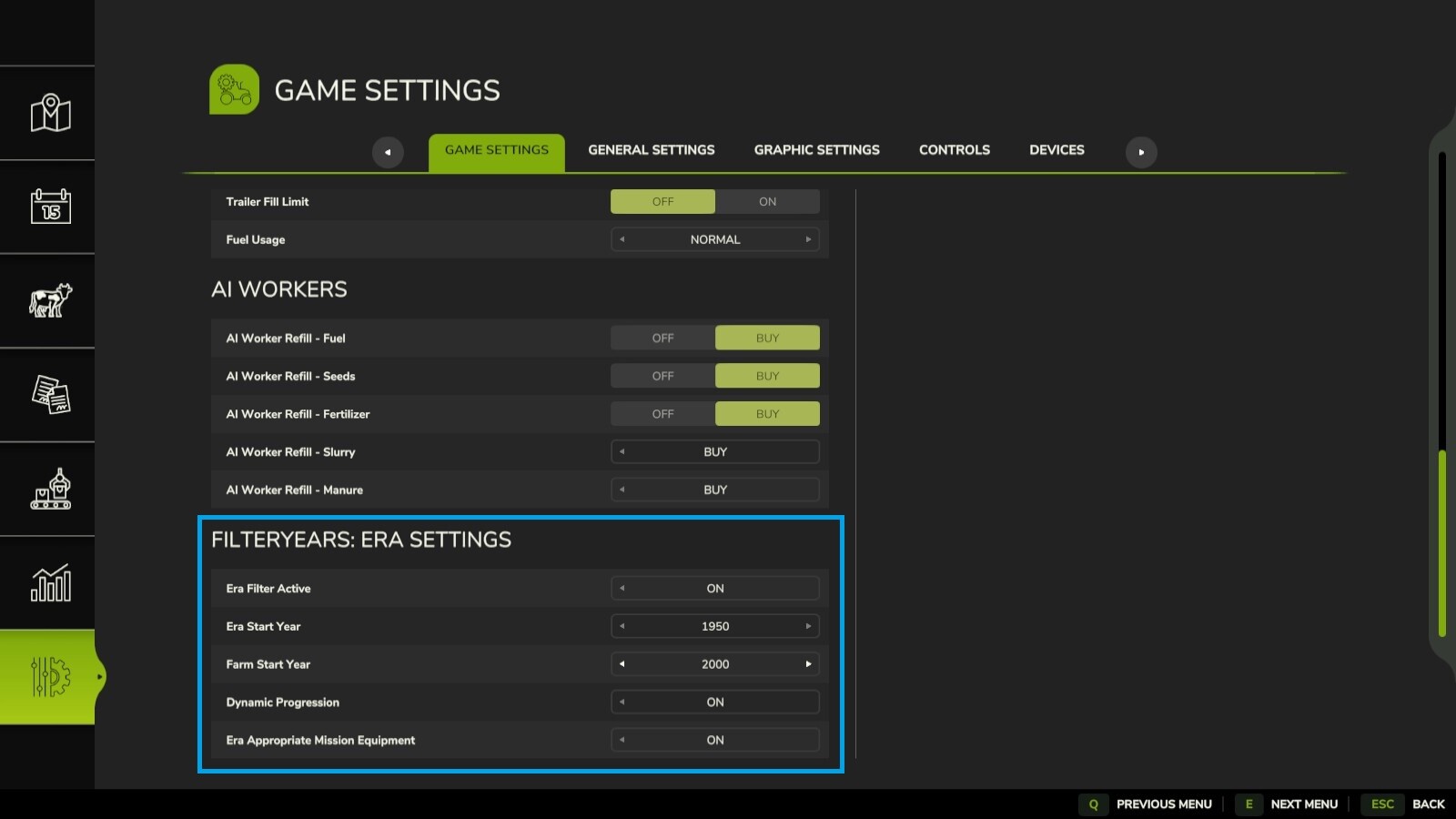
- Filtered Shop, Sales & Contract equipment: Default 1950-1996 (fully configurable via in-game settings).
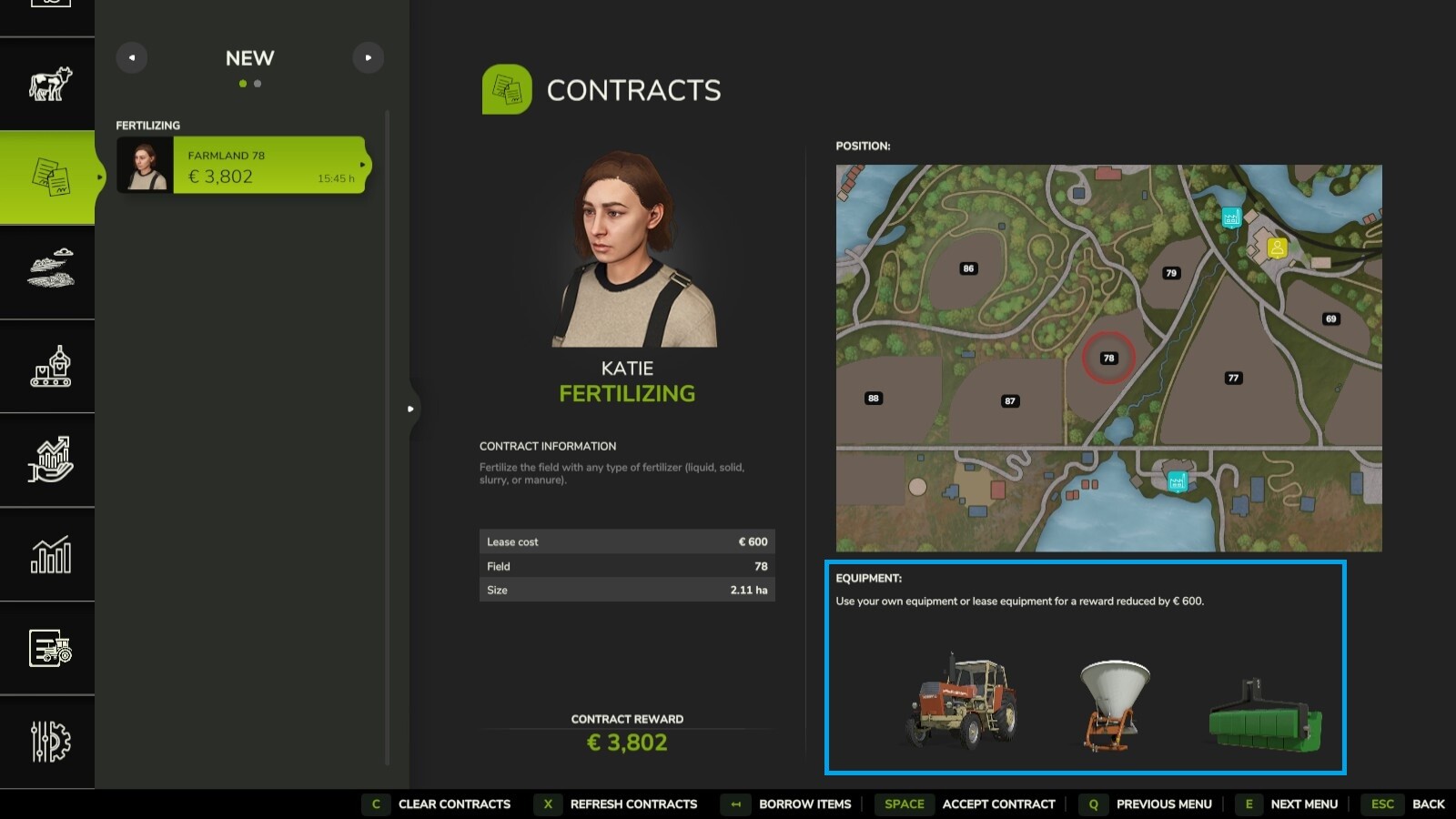
- Mission Equipment Filtering: Contracts now provide era-appropriate machinery for jobs.
- Dynamic Progression: Date advances by 1 year for every in-game year passed.
- Settings Menu: Configure start dates and progression directly in the Game Settings menu.
- Fallback: Filter toggle button integrated into the Shop to allow purchasing of modern implements if needed.
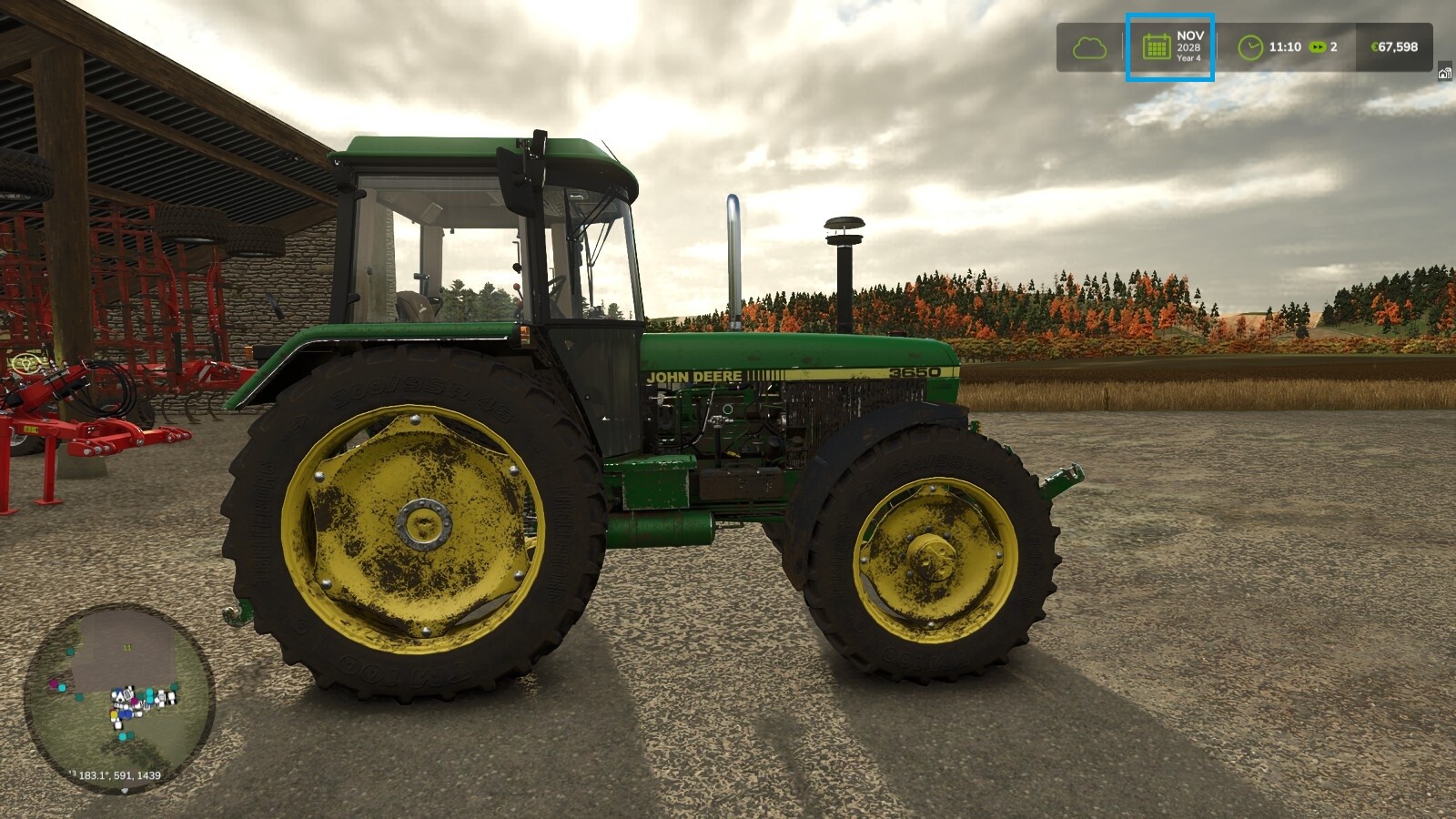
- HUD Integration: Real-time display of your current "Era Year" integrated into the game clock.
- Controls: Supports Keyboard and Controller (Default: X).
Changelog:
v1.1.1.0
- Added mission equipment filtering to ensure contract vehicles match the current era.
v1.1.0.0
- Added HUD integration to display the current Era Year on the game clock.
- Added support for a dedicated in-game settings menu.
- Cleaned up the Shop UI for better visibility.
- Added a debug flag to code for easier troubleshooting.
Special Thanks to Thalley - The author of Vehicle Years.
More from TommyNookah

Suggested Mods
Ratings & Reviews
0
0 reviews
| 5 stars | ||
| 4 stars | ||
| 3 stars | ||
| 2 stars | ||
| 1 stars |
| Login above to Rate & Review this. Let us know what you think! |
| No Ratings & Reviews Yet. Be the first to leave a Rating & Review! |